Complete the following steps to add a note to an existing account through
Quick Notes.
-
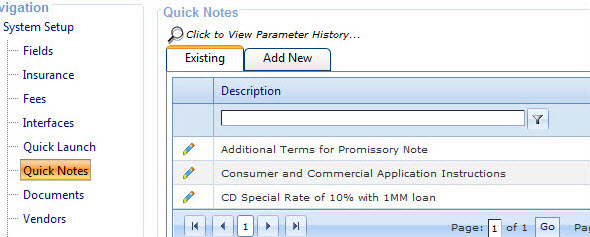
Select .
The
Existing notes tab
appears.
-
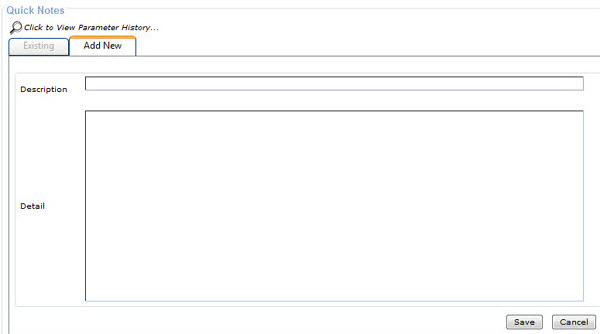
Select the Add New tab.
Fields for adding the
Description and
Detail appear.
-
Add the Description and
Detail and
select Save.
Note Special characters can be used when
a user copies and pastes information from Notepad for entry into a Quick Notes
description or enters the information directly into the description. Special characters
cannot be used when a user copies and pastes information from a Word document for entry
into a Quick Notes description. Refresh your browser to review the new subject
record.
The subject record appears on the Existing notes tab and in the Quick Notes option in the
Toolbar.