Adding Vendors
Complete the following steps to add vendors within System Setup.
-
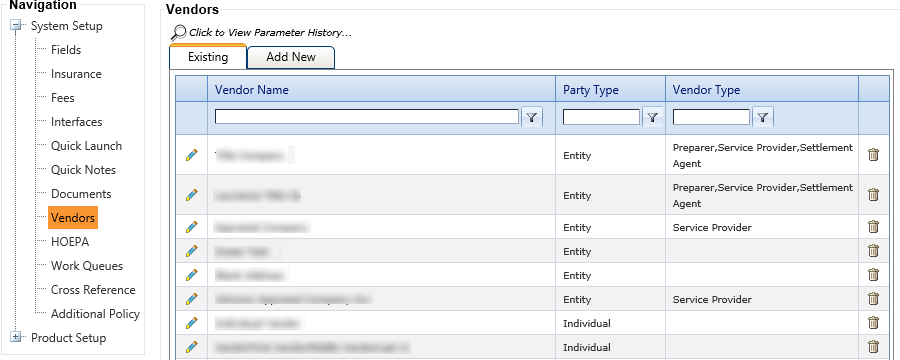
Select the Add
New tab on the Vendors node.
Fields within the Address Information, Contact Information, and Notary Information sections appear.
 Note
NoteThe Miscellaneous field, within the Contact Information section, can be used to describe the type of service a vendor provides (appraisal fee, attorney fee, etc.).
If the vendor is defined as a notary (when the Notary Information section is completed), the vendor is only available for selection on the Notary tab in .