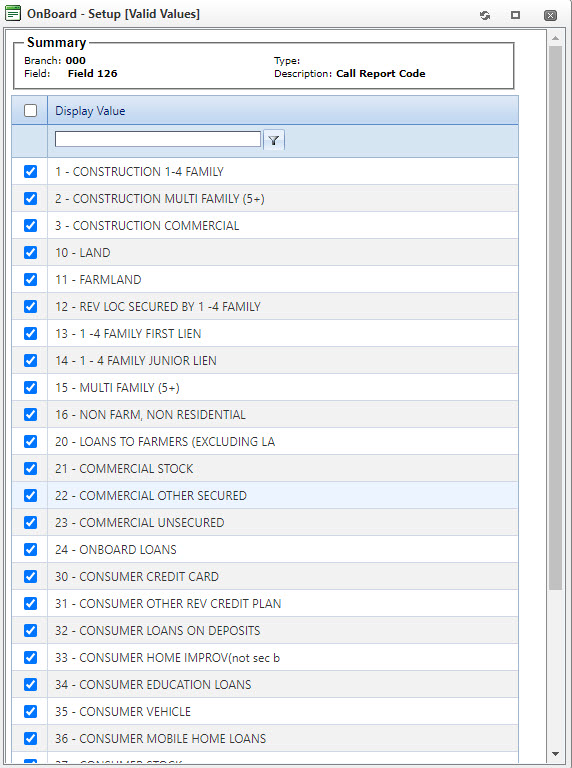
Selecting Valid Values
Complete the following steps to define valid values that are the only accepted responses to a field during information entry.
-
Select .
The Fields node defaults to the Export tab.
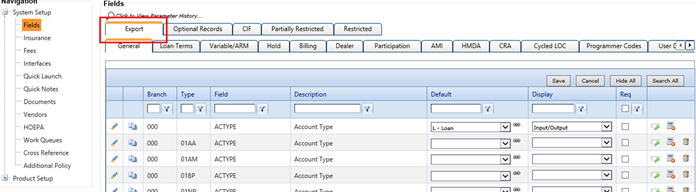
-
Select
 Valid Values.
Note TheValid Values
option is not available on the Partially Restricted
tab. On the other tabs, a red
Valid Values.
Note TheValid Values
option is not available on the Partially Restricted
tab. On the other tabs, a red  Valid Values
option indicates that there are no records that appear on the main field.The OnBoard - Setup (Valid Values) screen appears.
Valid Values
option indicates that there are no records that appear on the main field.The OnBoard - Setup (Valid Values) screen appears.