Setting Escrow Fees Parameters
Complete the following steps to establish escrow fee parameters.
-
Select .
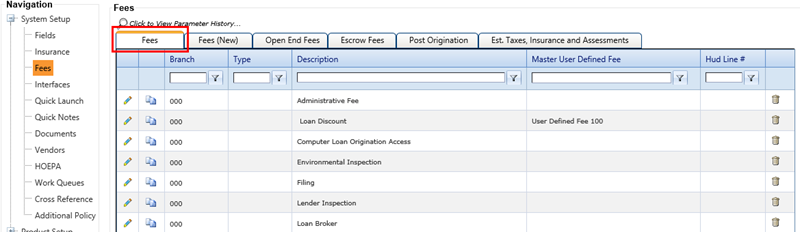
The system defaults to the Fees tab.
-
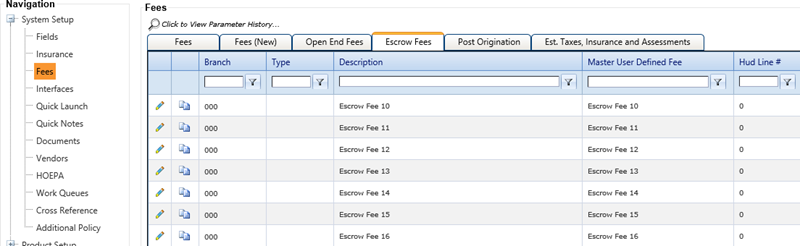
Select the Escrow Fees tab.
A range of escrow fees appears.
-
Select the
 Edit icon for the associated
escrow fees parameter (Description).
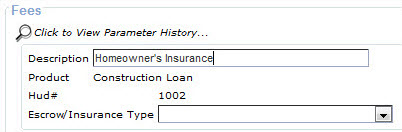
A Fees screen displays the escrow fee Description, Product, Hud#, and Escrow/Insurance Type.
Edit icon for the associated
escrow fees parameter (Description).
A Fees screen displays the escrow fee Description, Product, Hud#, and Escrow/Insurance Type.