Using the Copy Function
A field is only copied to a product type when the product type settings are different than the main field settings.
-
Select the
 Copy icon next to the
field to be copied.
A From/To screen appears.
Copy icon next to the
field to be copied.
A From/To screen appears.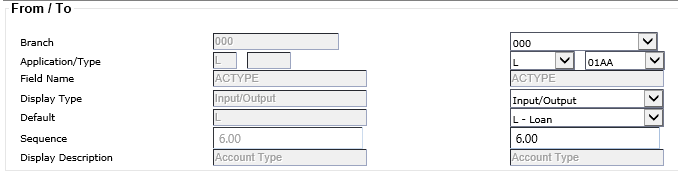
-
Select the
 Copy button.
The information is copied.
Copy button.
The information is copied.