Home >
OnBoard Setup
>
System Setup
>
Work Queues
>
✉
🖶
Adding a Bank-Defined Work Queue
Complete the following steps to add a new bank-defined queue display name.
Select
Setup
>
System Setup
>
Work Queues
.
The
Work Queues
screen appears.
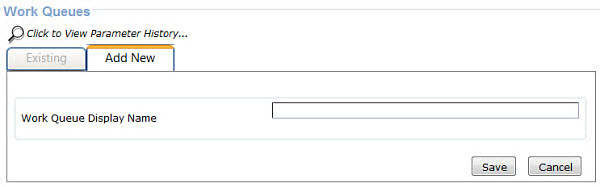
Select
Add New
.
The
Work Queue Display Name
field appears.
Enter a queue display name and select
Save
.
Select users to receive notification of the queue change and select
Save
.
Parent topic:
Work Queues