Changing a Work Queue
Complete the following steps to changes an existing Work Queue on the Loans in Process node.
-
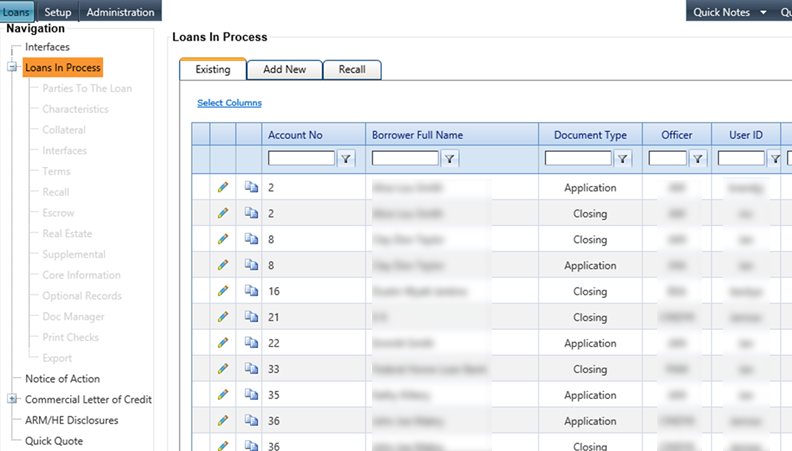
Select the Loans In Process node from Loans.
The Loans In Process screen appears.
-
Select the
 Edit icon associated with a
customer account.
The Parties To The Loan screen appears.
Edit icon associated with a
customer account.
The Parties To The Loan screen appears.