Contact Information Tab
The Contact Information tab appears when the application date for a loan is 10/3/2015 or after. The Contact Information tab contains several additional tabs to collect the contact information for various parties involved in the transaction.
Lender
The fields on the Lender tab default with information from the Organization Policy Setup Application (OPSA) and Officer Parameters. You can modify the default information as needed.
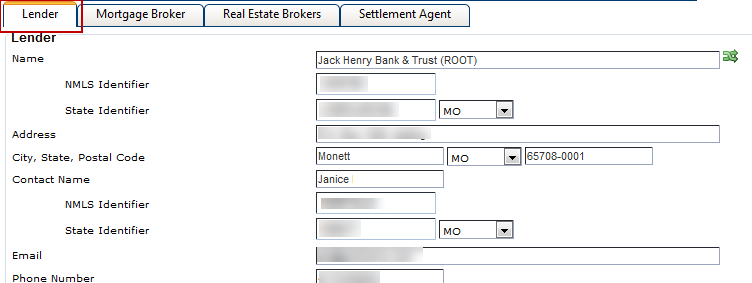
This tab appears for transactions with a Document Type of Application and Closing.
Mortgage Broker
The Mortgage Broker tab contains information about the mortgage broker for the transaction.
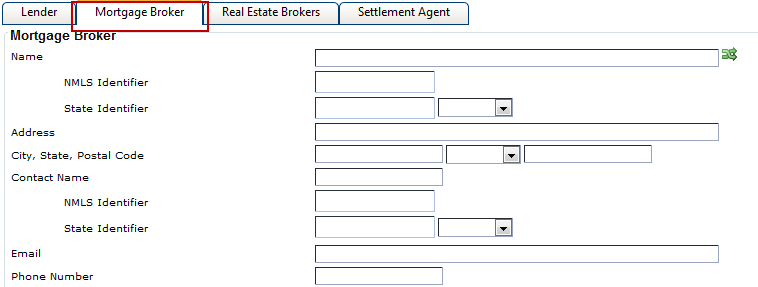
This tab appears for transactions with a Document Type of Application and Closing.
Real Estate Brokers
The Real Estate Brokers tab allows you to enter information about the buyer and seller's real estate agent.
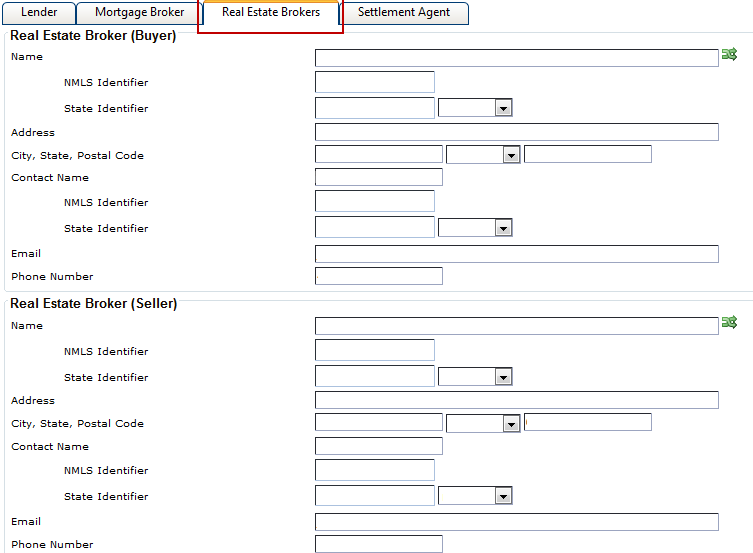
This tab only appears for transactions with a Document Type of Closing.
Settlement Agent
The Settlement Agent tab contains the File Number field. Other fields on the Settlement Agent tab default with lender information from OPSA. To modify these values, select the Settlement Agent Different from Lender check box.
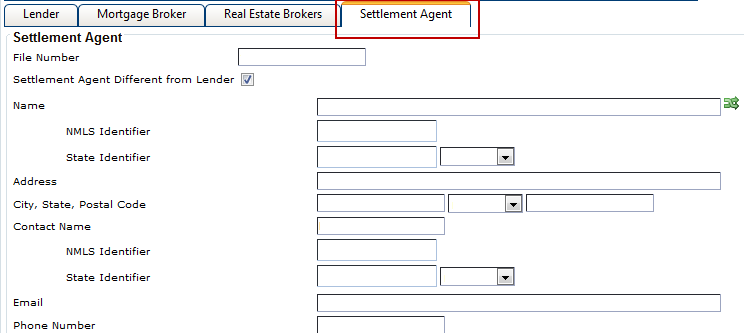
This tab only appears for transactions with a Document Type of Closing.