Loans In Process Display Options
This topic demonstrates the various ways a user can set up their screen in the Loans in Process node.
You can control the column display through the selection of Select Columns in the upper left corner of the Loans In Process screen. When selected, a menu appears to establish which columns appear.
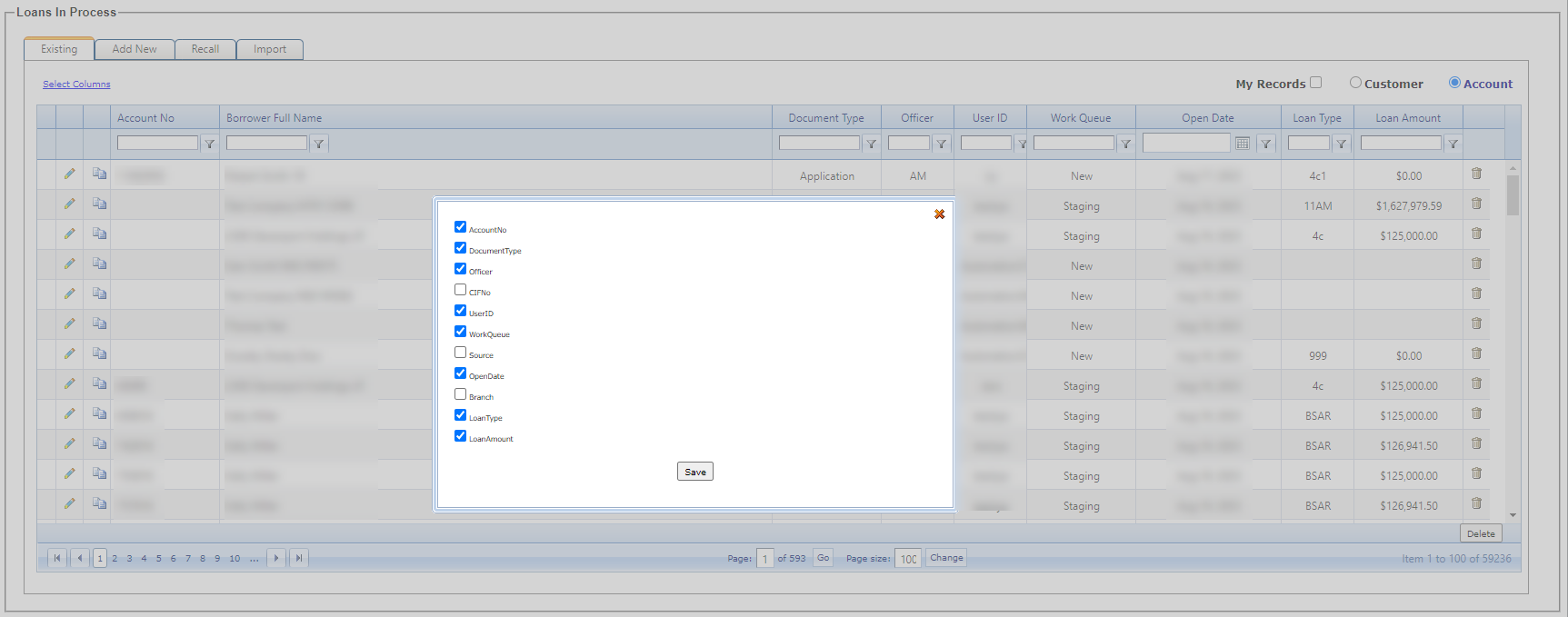
You can adjust the column width by dragging the individual column borders. The columns can be reordered by dragging and dropping them in the preferred sequence.